How to Check Income Tax Refund Status Online: A Complete Guide

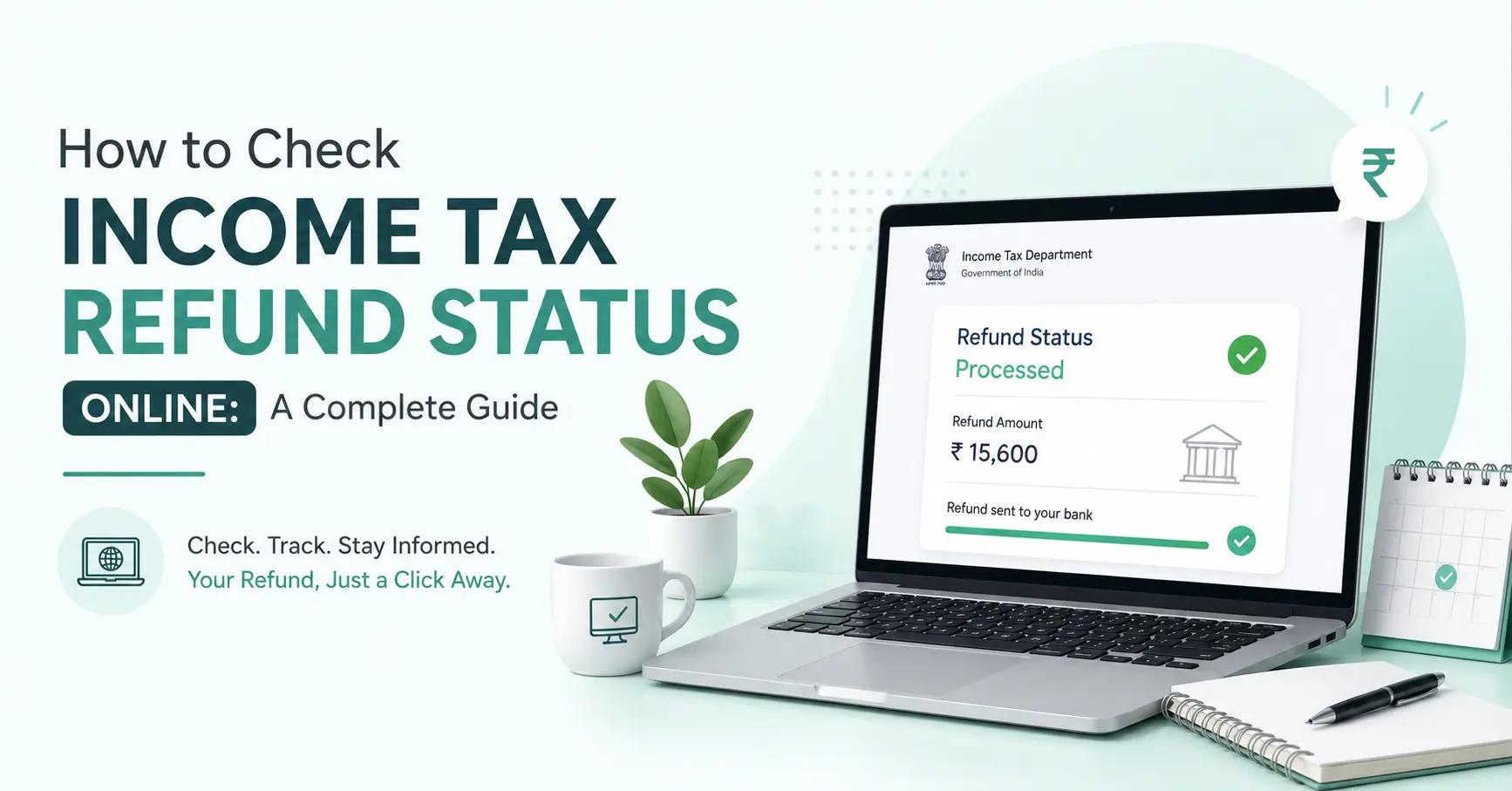
Table of Contents
Click to Expand
- The 3 Methods to Check ITR Refund Status Online
- Step-by-Step: How to Check on the Income Tax Portal
- Step-by-Step: How to Check on NSDL
- Elements of the Refund Tracking System
- Decoding the Refund Status Messages
- Letting Vestbox Handle the Tracking
- Features of the New Digital Tracking System
- Case Study: The "Refund Unpaid" Trap
- Stop Giving the Government Interest-Free Loans
- Conclusion / Final Thoughts
- Frequently Asked Questions
You filed your taxes. You e-verified your return. Now you are waiting.
Most taxpayers assume they need to call a CA or visit an income tax office to find their money. They don't. The entire tracking infrastructure is digital.
If you know where to look, you can pinpoint exactly where your refund is sitting in 30 seconds. You don't need to guess if it is processed, stuck, or failed.
This guide breaks down the exact steps to check your income tax refund status online, and how to decode the confusing status messages the portal gives you.
The 3 Methods to Check ITR Refund Status Online
You do not have to rely on just one website. The Indian tax system has three distinct digital tracking points.
1. The Income Tax e-Filing Portal (Most Accurate)
This is the primary source. It shows the exact stage of your assessment. It tells you whether your return is processed, a refund has been generated, or the assessing officer has flagged your file.
2. The NSDL / TIN-NSDL Website (Fastest for PAN Check)
The National Securities Depository Limited (NSDL) handles the actual clearing of government refunds. Their portal is a raw database check. You enter your PAN and the assessment year. It instantly tells you if a refund voucher has been issued.
3. Your Bank Account or UPI App (Passive Tracking)
If you provided the correct bank details while filing, you don't even need to check the tax portal. The money will appear in your bank statement with the narrative: "REFUND/ITR AY 2024-25."
Step-by-Step: How to Check on the Income Tax Portal
This is the most detailed method. It gives you the complete picture of your tax file.
- Go to the official Income Tax e-Filing Portal.
- Log in using your PAN, password, and Captcha.
- On the dashboard, click on Services > View Filed Returns.
- Select the relevant Assessment Year (AY). (Note: If you filed in July 2026 for income earned in 2025-26, your Assessment Year is AY 2026-27).
- Click Submit.
- Scroll down to the bottom of the page. You will see a dedicated Refunds section.
This section will show the exact refund amount, the processing date, and the current status code.
Step-by-Step: How to Check on NSDL
If the tax portal is down for maintenance, NSDL is your backup.
- Go to the NSDL Refund Status Page.
- Enter your 10-digit PAN.
- Select the Assessment Year.
- Enter the Captcha and click Submit.
If the IT department has dispatched your refund, NSDL will show the date it was sent, the refund amount, and the clearing bank. If nothing shows up, your refund hasn't been generated yet.
Elements of the Refund Tracking System
Understanding how the money moves helps you understand why the status changes.
Your return goes through three physical stages:
- The IT Department: Calculates your refund and generates a digital voucher.
- The Clearinghouse (NSDL/UTIITSL): Acts as the middleman. Receives the voucher and routes it to the banking system.
- Your Bank: Receives the electronic mandate and credits your account.
A delay in your refund usually means the file is stuck between Stage 1 and Stage 2.
Decoding the Refund Status Messages
The portal doesn't use plain English. Here is exactly what the system actually means when it shows these terms:
-
"Not Processed": Your return is in the queue. If you e-verified, this usually updates in 2 weeks. If you didn't e-verify, this means an assessing officer hasn't opened your file yet.
-
"Processed": Good news. The IT department has finished calculating your tax. They have approved your refund amount. The voucher has been sent to the clearinghouse.
-
"Refund Paid": The money has left the government's system and hit your bank. Check your bank statement.
-
"Refund Unpaid": The refund failed. This almost always means you entered the wrong bank account number, wrong IFSC code, or your bank account is closed.
-
"No E-Filing has been done": You are searching the wrong Assessment Year, or your return was never successfully submitted.
Letting Vestbox Handle the Tracking
Navigating government portals and decoding system messages can be tedious. As part of our wealth management process, Vestbox can also help you track your income tax refund status on your behalf. You focus on your investment goals; we handle the operational tracking and follow-ups.
Features of the New Digital Tracking System
The government has aggressively digitized tax processing.
In the past, tracking a refund required a physical visit to the jurisdictional income tax office.
Today, the portal features real-time end-to-end tracking. If your bank account is pre-validated on the portal, the system bypasses manual cheque issuance. The refund is credited directly via NECS/RTGS.
Case Study: The "Refund Unpaid" Trap
Imagine a taxpayer files their ITR. The portal shows "Processed." They wait 30 days.
Nothing hits their bank account.
They check NSDL, which shows no record of a refund. They check the IT portal again, and the status has suddenly changed to "Refund Unpaid."
What happened? The taxpayer recently closed their secondary bank account but forgot to update the new account details on the tax portal. The government tried to transfer the money, it bounced back, and the refund was canceled.
To fix this, the taxpayer must file a Rectification Request on the portal to update the bank details and wait for the voucher to be regenerated. This adds another 30-45 days to the process.
Stop Giving the Government Interest-Free Loans
Tracking a delayed refund is reactive. Managing your tax liability is proactive.
If you are waiting on a massive ₹2 Lakh tax refund, you made a structural mistake. You gave the government an interest-free loan for a year. Your capital was sitting dead instead of working for you.
Smart investors do not wait for year-end to figure out their taxes. They actively manage capital gains throughout the year. If your mutual funds are constantly triggering short-term capital gains, you are leaking tax.
Before next year's filing season, run a structural portfolio review. We will show you exactly where your investments are causing unnecessary tax drag.
For high-net-worth individuals, proactive tax management is non-negotiable. Explore Portfolio Management Services in India to see how discretionary managers actively harvest long-term capital gains and optimize your tax outgo.
Conclusion / Final Thoughts
You do not need to hire a professional to track your money. The tools are public and instant.
Log into the Income Tax portal to see the exact assessment status. Use NSDL to verify if the voucher has been dispatched. And if you see "Refund Unpaid," fix your bank details immediately through a rectification request.
Take control of the tracking process, and more importantly, manage your tax planning so you aren't waiting on a refund next year.
Use our free Capital Gain Calculator to estimate your Short-Term (STCG) and Long-Term (LTCG) capital gains tax on equity investments in India.
Learn about: ITR Full Form: What is Income Tax Return? Types & How to File Online.
Frequently Asked Questions
Can I check my income tax refund status without logging in?
Yes. You can use the NSDL/TIN-NSDL portal. You only need your PAN number and the Assessment Year. No login is required.
What does "Processed" mean on the income tax portal?
It means the Income Tax Department has finished evaluating your return. They have approved the refund amount and passed it to the clearinghouse for payment.
How long after "Processed" does the refund hit my bank account?
Usually 5 to 10 business days. Once the IT department processes it, the NSDL clearinghouse routes it to your bank via NECS/RTGS.
Why is my NSDL status showing "No Record Found"?
It means the Income Tax Department has not yet generated a refund voucher. Your return is likely still in the processing queue or has been flagged for manual scrutiny.
My refund status is "Unpaid". What should I do?
This means the bank transfer failed due to wrong account details. You must file a 'Rectification Request' on the income tax portal under the correct Assessment Year to update your bank account number.
Disclaimer
Mutual fund investments are subject to market risks. Read all scheme-related documents carefully. Please consult a certified financial advisor before making any investment decisions.
Trust & Compliance
This article has been created following our strict Editorial Policy. We believe in complete transparency regarding how we operate; you can read our Disclosures. For legal liabilities and risk factors, please review our Disclaimer.
Share & Save Article
Other Posts
Why is Income Tax Refund Delayed? A Complete Guide to Processing Times
Jul 18, 2026

What is Portfolio at Risk? A Complete Guide to Meaning, Formula, Calculation, & Benefits.
Jun 5, 2026

What is SIP & How Does It Actually Work?
May 27, 2026

What is an AMC in Mutual Funds? Understanding Asset Management Companies
May 27, 2026
